Although many business owners think that Virtualization and Disaster Recovery (DR) are two separate services, the former can actually be used as a legitimate solution to the latter. Here’s how it works, along with some pointers to keep in mind should you choose virtualization as your disaster recovery plan.
Voicemail, Do Not Disturb, and call recording are some of the obvious reasons why companies choose VoIP services for their communication needs. But other VoIP features are often underutilized, like customizable hold music or in-call coaching. For a more efficient work flow, check out these overlooked features.
Phishing scams disguise malicious links and emails as messages from trusted sources. The most recent scam to watch out for almost perfectly imitates a trusted invitation to collaborate through Microsoft SharePoint. It’s a three-step attack that’s easy to avoid if you know how it works.
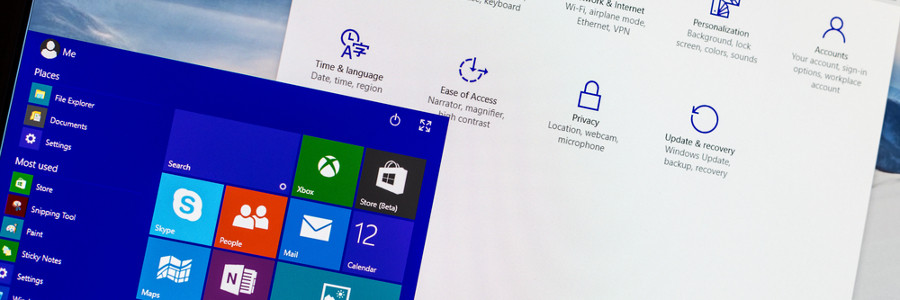
Whether you want to have a darker color scheme, run several apps at the same time, or display multiple desktops, Windows 10 gives you many options to personalize your PC. And while some customization options are less obvious than others, it is worth the effort to get your Windows 10 to look and function the way you want it to.
Taking work home, or practically anywhere, has never been easier. The bring your own device (BYOD) strategy has become a popular approach for many businesses to conduct work more efficiently and flexibly. But this strategy is not without risks. BYOD, if not implemented correctly, can make your system susceptible to a number of attacks.
When a new iOS update is released, you may get so amped that you immediately tap on that Download and Install button. The next thing you know, you’re saddled with new software that causes headache after headache. To avoid this fate, here are six tips to ensure that your next iOS update goes without a hitch.
Many employees are uncomfortable using two monitors at their desk, so it’s no surprise that dual monitor setups aren’t as popular as single monitor setups. But working with two screens provides ways for employees to work more productively. Here’s a look at some of the main reasons why your employees’ desktops should be upgraded to two monitors.
Cloud computing is a trend among businesses, and one company that’s leading it is Google. After years of development and upgrades, they’ve released a cloud-based productivity suite known as G Suite.
G Suite puts all of Google’s most popular apps into one package.
Many business owners are looking to artificial intelligence (AI, or “machine learning”) for its potential to improve communications with their customers. It is predicted that by 2020, 85% of all interactions will originate from machine learning “bots.
Your service provider, tasked with looking after your company’s IT, has kept your business up and running for the past 10 years. Unfortunately, that kind of longevity in developing continuity plans can result in some providers overlooking or underestimating certain issues.
We use cookies to ensure that we give you the best experience on our website. Unless you've selected "Allow", our website will deactivate the cookies session by default.